
Imperial India app
Your portfolio, in your pocket.
Check valuations, pull a capital gains statement, or start a new SIP — without calling anyone. Free for every Imperial India client.

Android
Scan with your phone camera

iPhone
Scan with your phone camera
What you can do in the app
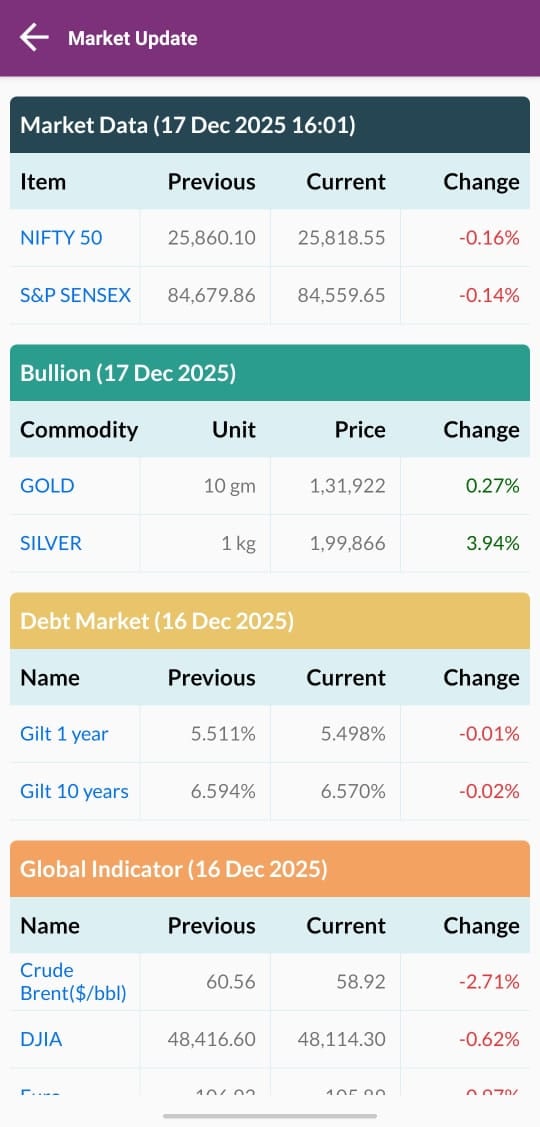
Portfolio at a glance
Current value, invested amount and gains across every scheme you hold with us, updated with each day's NAV.
Capital gains statements
Realised and unrealised gains, ready for the tax return — the report clients ask for most in July.
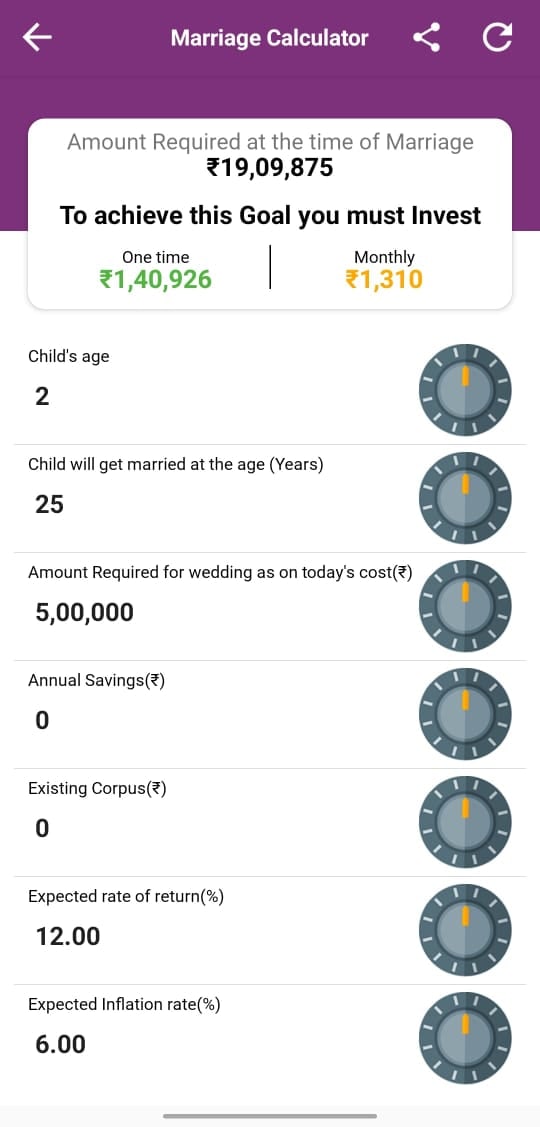
Transact
Start a new SIP, add a lumpsum to an existing scheme, or redeem, without a paper form.
Statements and reports
Account statements, transaction history and scheme-wise reports, downloadable whenever you need them.
Signing in for the first time
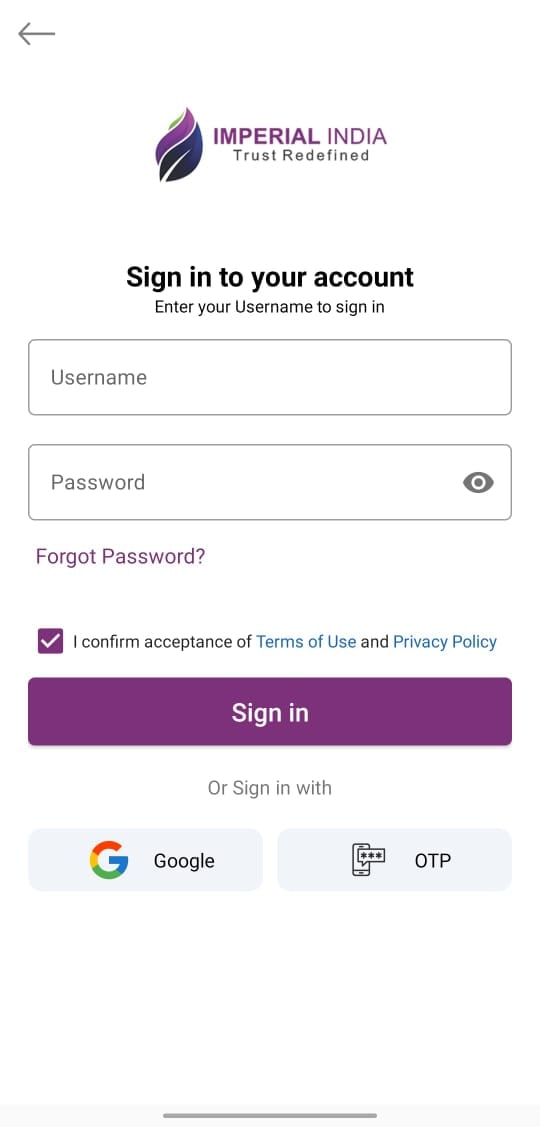
Three steps. If any of them stall, call the helpdesk rather than trying again — it is almost always a phone number that needs updating on the folio.
Step 1
Install the app
Search for “Imperial India” on the Play Store or App Store, or scan the code alongside.
Step 2
Register with your registered mobile or email
Use the same mobile number or email address you gave us when you invested — that is what your folios are linked to.
Step 3
Verify the OTP and set your PIN
You will get a one-time password on that number. If it does not arrive, the number on your folio is probably an older one — call us and we will update it.
Prefer the browser?
The same portfolio is available on the web, operated by Investwell.